See What
They See.

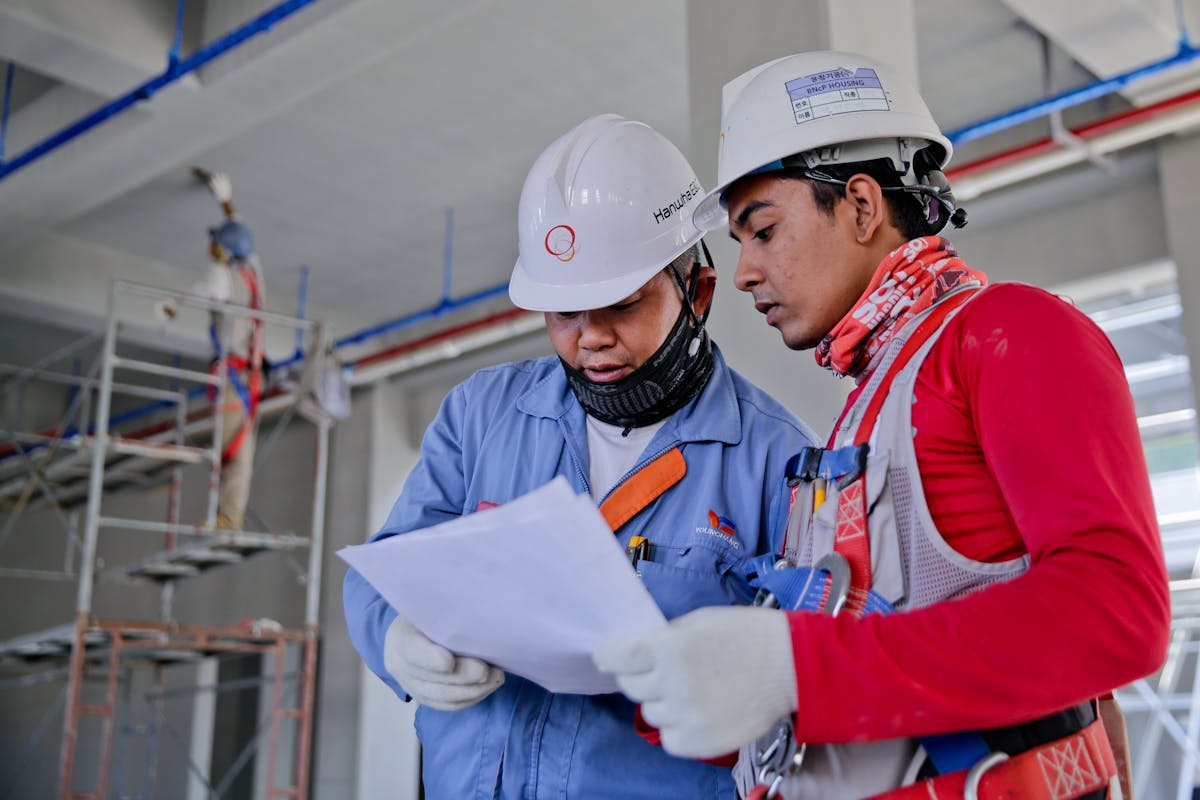
An expert in New York taps a machine in a trainee’s
workshop in São Paulo. The annotation lands on
the trainee’s screen at sub-200 ms in-region p95,
stuck to the real surface. Flutter, ARKit, ARCore
Geospatial API, visionOS and Quest 3 + WebXR.

AR-powered remote training platform
We shipped a shared-AR training platform: 3,200+ sessions, 52% faster skill acquisition, 89% trainee satisfaction, and 70% fewer expert flights because most sessions no longer need anyone on a plane.
A single Flutter codebase sits on top of ARKit and the ARCore Geospatial API / VPS (replacing the deprecated Cloud Anchors), with visionOS and Quest 3 + WebXR builds for headset users, and Niantic Lightship VPS / 8th Wall as the persistence layer when GPS isn’t enough. WebRTC holds sub-200 ms in-region p95, and the geospatial anchors keep 3D annotations glued to the physical surface even when the trainee walks around the machine.
AR Engineering Approach
-
Geospatial anchors, persisted — We moved off the deprecated ARCore Cloud Anchors onto the ARCore Geospatial API / VPS, with Niantic Lightship VPS and 8th Wall as fallback persistence layers, so an annotation the instructor drops stays pinned to the trainee’s real surface across device moves and session drops.
-
Low-latency video path — A WebRTC pipeline with adaptive bitrate and selective frame forwarding holds 60fps AR overlay at sub-200 ms in-region p95, with graceful degradation on flaky factory-floor Wi-Fi (we don’t pretend 100 ms RTT survives a basement signal).
-
One codebase, four spatial stacks — ARKit on iOS, the ARCore Geospatial API on Android, visionOS for Vision Pro and WebXR for Quest 3 — all behind a single Flutter abstraction, so the instructor’s iPad, the trainee’s Android phone, and the field engineer’s headset just work together.
-
Transcripts you can search — The OpenAI Realtime API transcribes each session live and tags the AR steps, so a new hire can replay exactly the moment an expert pointed at the pressure valve six months ago.
What was actually hard
Shared AR between two consumer devices isn’t a solved problem. Two cameras, two coordinate systems, one physical machine — and the annotation has to land on the right bolt on both screens, live. We spent most of the budget on the coordinate alignment and the cloud anchor relay, not on the UI.

Project Outcome
Field technicians pick up new equipment 52% faster than they did over a plain video call. Expert travel dropped 70% because the shared AR view is close enough that nobody needs to fly out for the standard sessions anymore.
sessions > 52% faster skill
acquisition > 89% trainee
satisfaction > 60fps AR overlay
performance
“Our field technicians learn 52% faster with AR-guided training. We've cut travel costs by 70% — experts don't need to fly out for every training session anymore.”
@ David C.
Director of Training — Enterprise Tech Company
More Case Studies